
Kauaʻi County Court Record Requests
The Judiciary lays out three main routes to records: online, at the courthouse, or by written request. One fact comes first. Kauaʻi County court records sit with the state court system, not in county files subject to UIPA. Start with eCourt Kōkua, which offers free case data plus paid images where eligible. Parties to a case can pull available documents through JEFS. A public terminal at the courthouse allows free on-screen inspection. An image may be missing. The file may be old. In those cases, the counter, email, phone, mail, and fax still matter.
- Identify the case ID, court branch, parties, and requested filing.
- Read the free Case Dockets tab and note the event sequence.
- Choose online purchase, JEFS, public terminal, counter, email, mail, or fax.
- Ask the correct Fifth Circuit branch to confirm custody and estimated charges.
- State whether a plain copy, certified copy, inspection, or transcript is needed.
No fixed completion time was documented. Confirm timing with the clerk, especially before travel.
Three Kauaʻi Email Routes
Puʻuhonua Kaulike houses the Fifth Circuit courts, yet email requests divide by case type. Circuit and Family filings go to LegalDocs.5CC@courts.hawaii.gov. District civil matters go to LegalDocs.5DC@courts.hawaii.gov. For District criminal and traffic copies, use CopyRequests.5DC@courts.hawaii.gov. Splitting the mailboxes works better than one general inbox ever could.
A written request should spell out your contact details, plus the case name and number. Include the court, a description of the record and its date. List the documents you want, whether you seek inspection or copies, and how delivery should happen. The official Fifth Circuit records page posts the local routes. The case ID may be unknown. The file may be stored off site. Call ahead in either case.
Fifth Circuit Court Records
Puʻuhonua Kaulike Building
3970 Kāʻana Street, Līhuʻe, HI 96766-1256
(808) 482-2330
Fax: (808) 482-2553
Kinds of Court Records
Three Kauaʻi County records get confused constantly. These are the free docket, the filed PDF, and the certified copy. A docket is only an index of events. The filed document holds the pleading, notice, order, or judgment that an entry lists. A certified copy is different still. The clerk endorses it as a true duplicate, meant for situations demanding proof of authenticity. Transcripts sit apart from all of these. They are prepared from a proceeding or recording under Court Records Rule 15.
- Case Dockets entries and case-header information
- Pleadings, motions, notices, orders, and judgments
- Public exhibits that are available for inspection or copying
- Plain paper or electronic copies from the file
- Certified copies bearing the clerk's endorsement
- Transcripts ordered through the specific transcript process
Two cautions apply here. An exhibit event does not mean an exhibit image exists online, and buying a document never opens its confidential portions to the public.
Kauaʻi Documents and Certification
The free Case Dockets tab may answer a simple question. Did an order get entered? Did a hearing happen? To read the actual words, get the public filing. Another court or agency demanding formal proof may require a certified copy instead. Certification means the clerk vouches that the duplicate matches the official record.
That boundary matters at the federal level too. The U.S. District Court for the District of Hawaiʻi keeps its own records. Federal files are not Fifth Circuit Kauaʻi County court records.
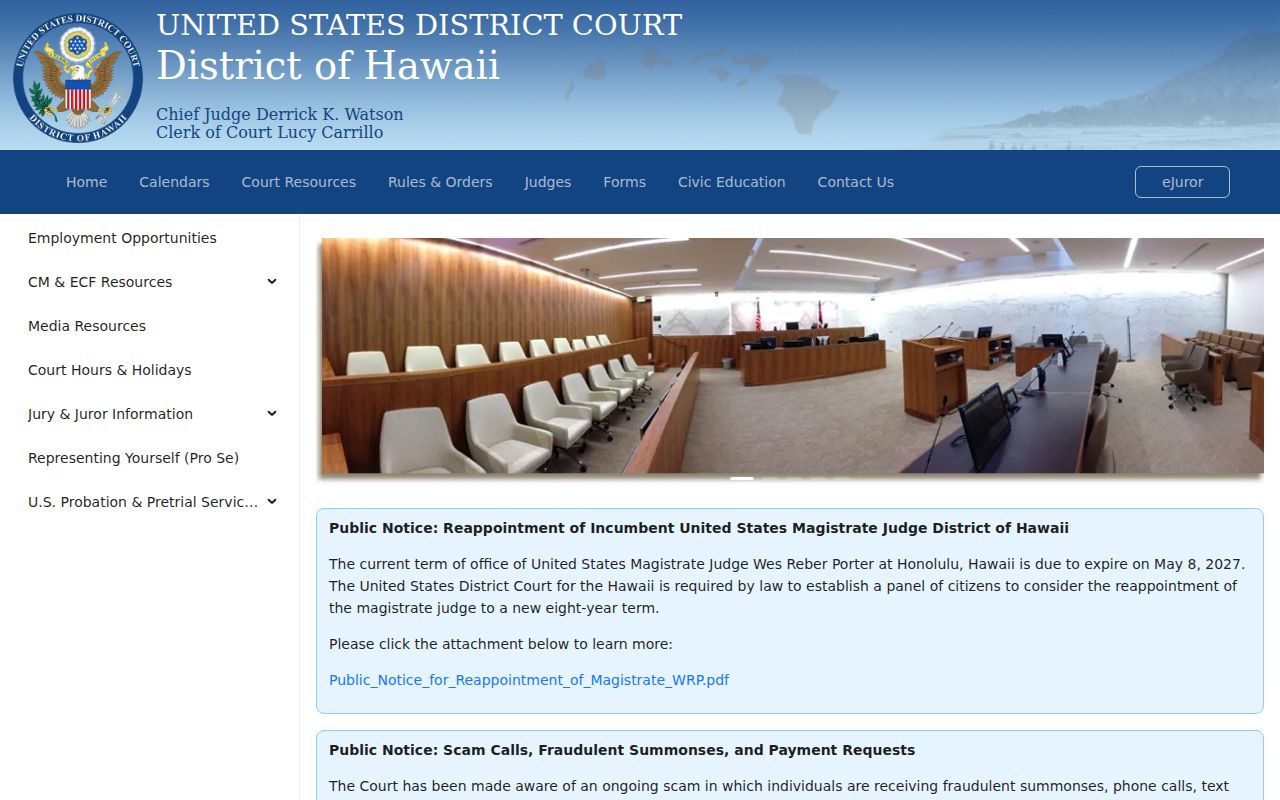
The split is easy to remember. A state case lives in eCourt Kōkua and Puʻuhonua Kaulike, while a federal case belongs with the federal clerk and PACER.
Court Records: What They Contain
What a file holds depends on the case type and public-access limits. A civil file might contain a complaint and service papers. It can also hold an answer, motions, orders, a judgment, and later satisfaction. A criminal docket can show the charging paper and minutes. Motions, a plea, disposition, sentence, and financial events may appear as well. The docket arranges all of this in time. It may not expose every document behind each entry.
| Case ID | Unique Judiciary number tied to the official file. |
|---|---|
| Case Dockets | Chronological event descriptions, dates, and sequence numbers. |
| Pleadings | Complaints, petitions, answers, motions, and notices. |
| Orders and Judgments | Filed court action and recorded outcome. |
| Hearings | Settings that must be checked against later continuances. |
| PDF status | Icon for a purchasable public image when available. |
Protected identifiers get redacted or filed through confidential forms. The public copy can therefore differ from the court's controlled information.
The Kauaʻi Terminal Alternative
Online images usually cost money. The public Judiciary PCs let you review accessible documents on screen for free. That helps when an entry has no web PDF. It also helps when you want to inspect before paying for copies. Copies still cost money either way. Check availability and hours before you travel.
The Judiciary public-terminal directory governs the access channel. Older records may sit off site, so call the Fifth Circuit Legal Documents branch first. Give a case ID if you have one. Ask whether staff must retrieve the file or schedule your visit.
Practical choice: Free on-screen inspection can answer a content question without an online image purchase, but it does not supply a certified copy.
Copy Fees and Certification
Online and paper fees run on separate schedules. A public online filing costs $3 through 30 pages, then ten cents per added page. Paper copies run $1 for the first page of each document and fifty cents for each later page. Certification adds $2 on the official form. A name search without a case ID may cost $5. Viewing at a public terminal stays free.
| Item | Official amount or rule |
|---|---|
| Online image, 1–30 pages | $3 flat rate |
| Online image over 30 pages | $3 plus $0.10 each added page |
| Paper court-record copy | $1 first page; $0.50 each added page |
| Certification | $2 per document |
| Name search without case ID | $5 may be assessed |
| Public terminal inspection | No charge on screen |
The 2026 manual adds a 2.6% online processing charge. Confirm the estimate and accepted payment before you mail funds or visit.
Save the Purchase ID
eCourt Kōkua's cart shows the sequence, docket sequence, pages, case ID, description, short case name, filing date, certification choice, and cost. Checkout asks for your name, phone, and email before moving to the Kala/Tyler gateway. Save the purchase ID and reuse the same email for retrieval. The download window lasts two days, and payments are nonrefundable.
JEFS works differently. A self-represented party or attorney can register through the Judiciary Electronic Filing and Service System and view available documents in that user's own case without a public subscription. Registration never makes sealed or confidential content public.
One last caution. A missing PDF icon is not a ruling about the case, and it may reflect document type, date coverage, confidentiality, or the need for a clerk request.
Access Rules for Court Records
Hawaiʻi court records start out open to the public. Laws, court rules, and standing orders can limit that access. The state's general public-records law offers background. Anyone asking for a Kauaʻi County case file should go through Judiciary procedures rather than a generic request. Some material stays closed no matter what. That includes juvenile records, protected Family Court filings, sealed documents, and confidential identifiers.
Key rules:
Hawaiʻi Court Records Rules 2, 4, 9, 10, and 15 govern access, protection of personal data, special requests, copies, and transcripts.
Rules of District Courts Rule 2.2 authorizes copy charges for public court documents.
HRS §92F-11 states the general open-government-record presumption.
HRS §571-84 limits inspection of specified juvenile and Family Court records.
Getting special access takes more than a polite ask. It can mean filing Form 3, serving the parties, giving them time to oppose, and waiting for a judge to decide. Clerk staff have no power to waive a seal on their own.
Kauaʻi and Federal Records
Kauaʻi County sits in two record worlds at once. State cases live in a few places. Circuit, Family, and District Court files from the Fifth Circuit sit in eCourt Kōkua, JEFS, and the Fifth Circuit clerk's office. Federal matters run on an entirely separate track. Civil and criminal filings go to the U.S. District Court for the District of Hawaiʻi. Bankruptcy has its own court as well. It is the U.S. Bankruptcy Court for the District of Hawaiʻi. Terms on the two dockets look alike, but the systems never share files. For federal docket access, PACER is the official portal. Its pages display case numbers, party names, and each docket entry the court records.
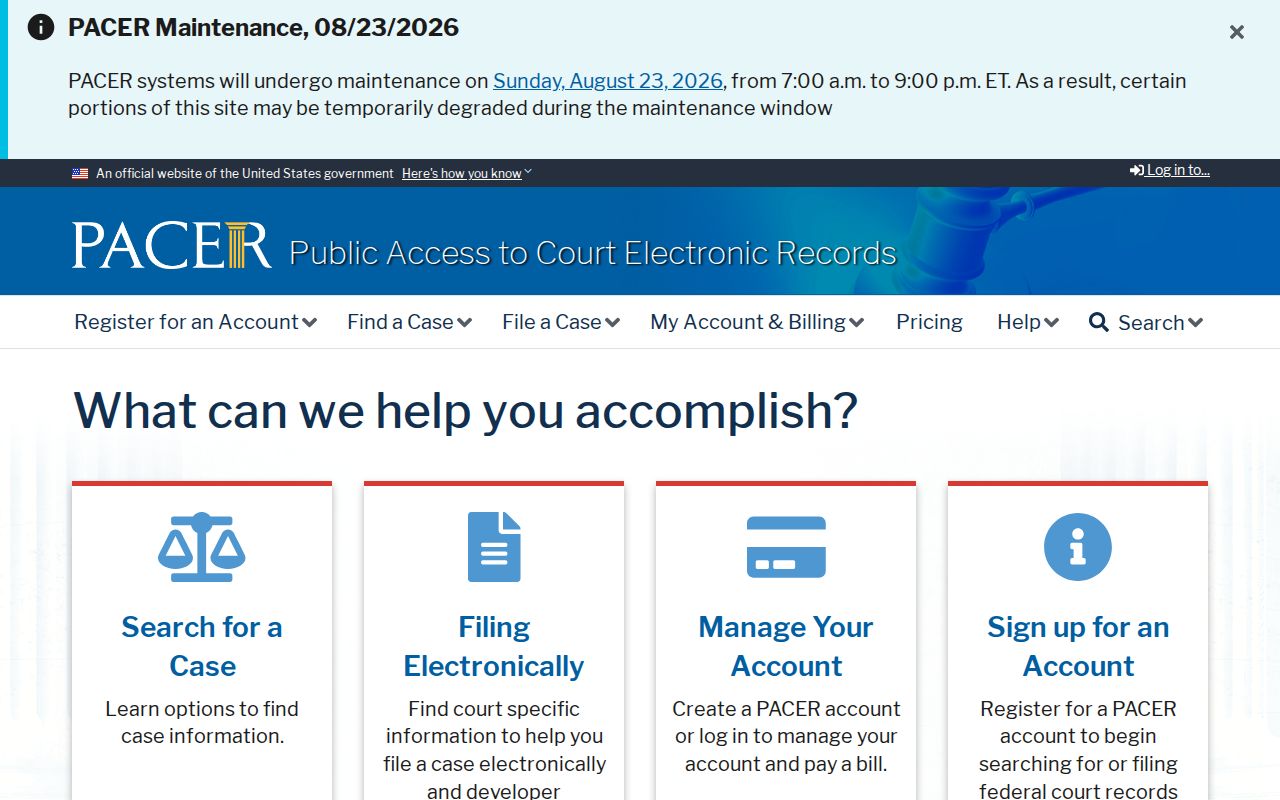
District of Hawaiʻi electronic filings use CM/ECF, shown in the next image.
None of those federal systems hold Fifth Circuit state filings, so a Kauaʻi County state case will not surface there; search the court named on the caption or notice instead.
Kauaʻi Bankruptcy Record Routes
Even when a debtor lives or does business on Kauaʻi, bankruptcy stays federal. The U.S. Bankruptcy Court for the District of Hawaiʻi is the clerk source for every such case, and its official site lists case information, calendars, and filing details for the district.
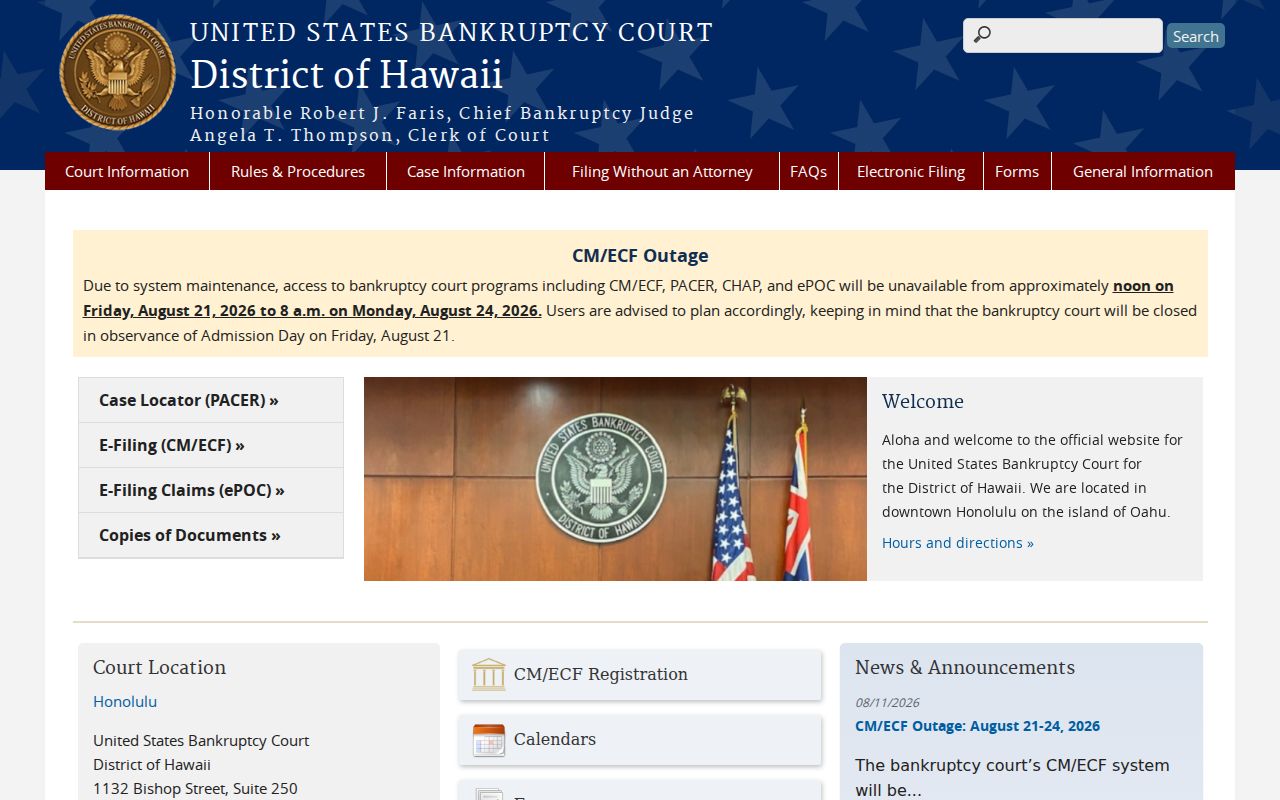
PACER carries the official federal docket along with the documents linked to each filing. RECAP works differently, collecting copies that other users have contributed over time.
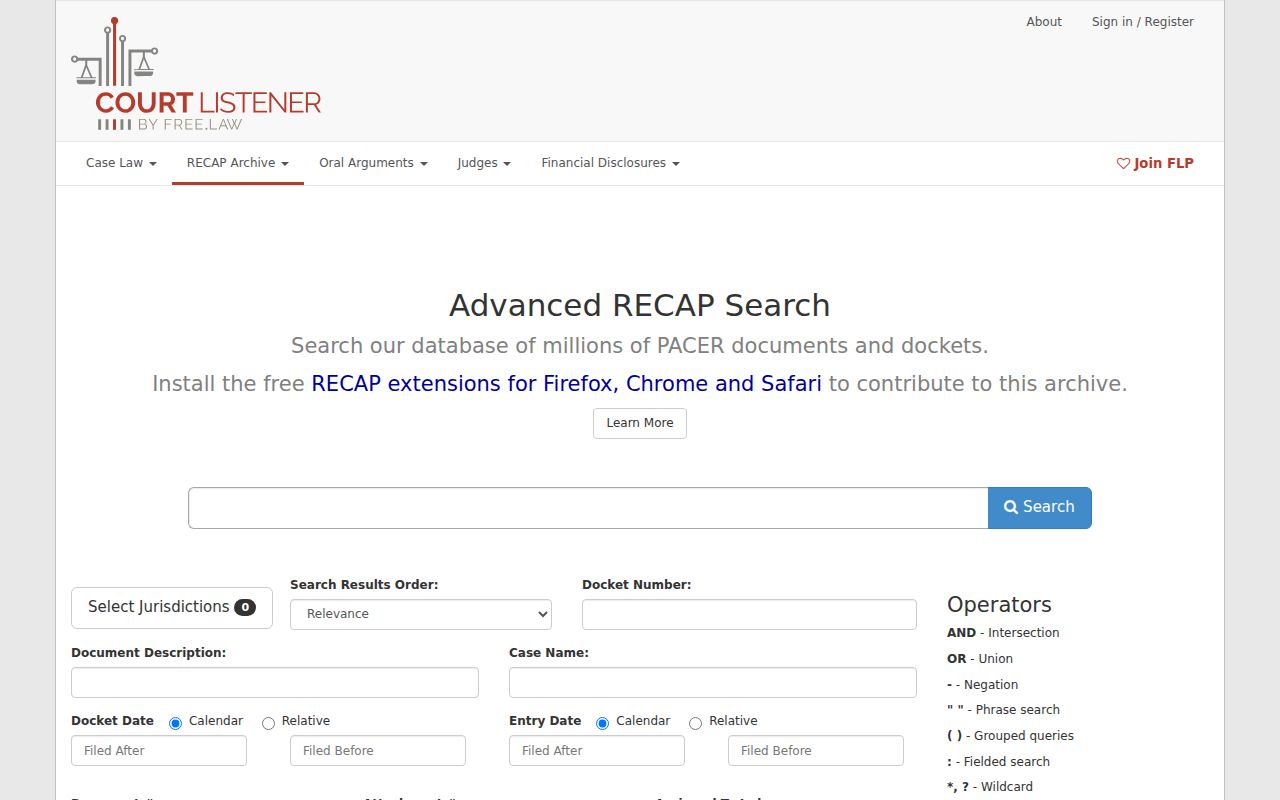
RECAP is free, but it is not the official clerk record and its coverage has gaps. For any federal entry that matters, confirm it through PACER or the federal clerk before you rely on it. And if your case is a Kauaʻi County matter in state court, none of these federal tools takes the place of the Hawaiʻi Judiciary.