
Traffic Case Records in Kauaʻi County
Every traffic and parking citation filed on Kauaʻi lands in the District Court of the Fifth Circuit. Hawaiʻi has no incorporated cities. That means there is no municipal traffic court under the state system. The police agency that wrote the ticket starts the case. But once it is filed, the Hawaiʻi State Judiciary keeps the record.
Pull up the traffic case in eCourt Kōkua. You may see the charge from the citation, the docket events, hearings, a judgment or disposition, and financial details. Traffic cases sit right beside District criminal and civil cases in the same statewide system. For tickets, abstracts, parking citations, and compliance questions on Kauaʻi, Puʻuhonua Kaulike Traffic Operations is the office to call.
Kauaʻi Tickets Have No City Court
A ticket written in Līhuʻe, Kapaʻa, or any other Kauaʻi community never opens a municipal docket. Those places are census-designated, not incorporated cities. The citation goes to state District Court. So skip the hunt for a city payment site or city clerk. That time is better spent on the offices that actually hold the record.
For ordinary ticket and abstract questions, call Traffic Operations at (808) 482-2355. District Court Clerks in Courtroom 2 take DLNR citations, leash-law matters, DUI, criminal misdemeanors, and the other listed operations. Reach them at (808) 482-2645. Need copies of District criminal or traffic court records? Write to CopyRequests.5DC@courts.hawaii.gov or visit the clerk counter.
Kauaʻi County Traffic Ticket Lookups
The citation number is the key that unlocks everything. For eligible payable traffic and parking infractions, eTraffic Hawaiʻi lets you look up and pay online. The wider case-search and docket route is eCourt Kōkua, which reaches the full court record. Each tool does its own job.
- Read the citation number, response instructions, amount, and any required appearance.
- Use eCourt Kōkua Case Search with the citation number to find the court case.
- Use eTraffic only when the citation is eligible and the choice is to admit and pay.
- If nothing appears, call Traffic Operations or Courtroom 2 rather than treating the result as no case.
- Visit the Puʻuhonua Kaulike counter, email CopyRequests.5DC@courts.hawaii.gov, or send a written request for the record.
A fresh citation can take 13 days or longer to appear in the system. The wait does not push back your response deadline, so keep the paper ticket handy and fall back on the clerk if needed.
eTraffic and eCourt Kōkua Compared
eTraffic does one narrow job well. Enter the citation and plate details, and it allows payment only when the ticket and its procedural stage qualify. eCourt Kōkua serves a different need. It opens the case header along with the Case Dockets, Hearings, disposition, and financial tabs, which is where the fuller court story lives.
| Field | Type | Required | Use |
|---|---|---|---|
| Citation number | Text | Yes | From the traffic or parking citation |
| License plate | Text | Yes | Official payment instructions say to have it ready |
| Payment card | Gateway fields | To pay | Visa or MasterCard |
| Continue or Submit | Button | No | Runs the lookup or payment action |
Payment through eTraffic gets refused in several situations. More than 21 days may have passed, or the citation requires an appearance. Maybe you already appeared and got a monetary assessment. Or the ticket simply has not entered the system yet. In each case, use mail, phone, the counter, or a case search instead.
Traffic Court Dates in Kauaʻi County
Begin with the date or response instruction printed on the citation itself. Then run the citation or case ID through eCourt Kōkua. Open the Hearings section there. Scroll the later Case Dockets events for CHD, Change of Court Date, or CON, Case Continued. Either entry can shift a setting while the old date stays visible in the history. So read down the docket before trusting the first date you see.
| Citation or case ID | The exact citation number shown on the ticket or full Judiciary case identifier. |
|---|---|
| Court | District Court of the Fifth Circuit for filed Kauaʻi citations. |
| Date and time | The current hearing or appearance setting, checked against later events. |
| Location | The Fifth Circuit location and courtroom shown by the court. |
| Status | Pending event, judgment or disposition, and financial information when shown. |
If the mailed notice and the online entry disagree, call the clerk right away. An old listing never excuses a missed appearance. The contextual Kauaʻi County Court Schedule walks through how hearing changes work.
Why Kauaʻi Tickets Post Late
Official guidance puts the wait at 13 days or longer. In that gap, eTraffic may refuse payment and eCourt Kōkua may return nothing. Neither refusal means the citation was canceled. Keep the paper ticket. Meet its deadline. Call Traffic Operations if the posting delay starts to crowd the response limit.
New-ticket rule: A missing online result is a reason to use the clerk, phone, mail, or counter route, not a reason to ignore the citation.
Kauaʻi Police may have written the citation, but the department is not the record keeper once the case is filed. Questions about court status, hearings, and judgments belong to the Fifth Circuit Judiciary branches.
Paying a Ticket vs Fighting It
The official traffic response instructions allow 21 days to respond. Admitting and paying closes the matter. That route means accepting responsibility for a payable infraction and covering the full amount. A denial goes in as a timely written statement or a hearing request, and the court mails out the date, time, and place later. When the citation demands an appearance or involves a traffic crime, follow the citation and court notice from there.
| Admit and pay | Deny or request hearing |
|---|---|
| Pay the full amount within 21 days. | Mail or deliver a written statement or hearing request within 21 days. |
| Use eTraffic if eligible, mail, phone at (800) 679-5949, or any District Court counter. | Follow the citation and moving-citation instructions. |
| Do not mail cash. Use the accepted payment forms stated by the Judiciary. | The court sends the hearing details; a later trial request may have its own deadline. |
No timely response: The court may enter default judgment on an unanswered infraction. Criminal traffic nonappearance can carry different consequences, so confirm the actual case and order with the clerk.
Want a traffic default set aside within 90 days? The motion needs a cash appearance bond equal to the judgment. Past 90 days, you must explain exceptional circumstances. A stopper can follow certain failures to respond, appear, or comply, though a missed payment alone should not be called an automatic suspension.
Kauaʻi Traffic Operations Routing
Calling the right line saves real time. Traffic Operations at (808) 482-2355 covers traffic tickets, traffic abstracts, handicap and parking citations. It also handles the listed license and vehicle-registration stopper questions. Courtroom 2 at (808) 482-2645 takes DLNR, leash-law, DUI, criminal misdemeanor, and related matters. The general Fifth Circuit line works. But it is far less precise than these operational numbers.
Request copies by writing CopyRequests.5DC@courts.hawaii.gov, visiting the courthouse counter, or sending a written request. The official records page lists the courthouse address and fax as well. Before you mail money or make the drive, confirm custody. Confirm the estimated fees, the payment form, and how delivery will happen. A public terminal sometimes allows free on-screen review of an accessible document.
Two Records: Court File and Driver File
Three different records are at play here. The court file for a traffic case sits with the District Court that handled the citation. That file drives the docket and any court date. A traffic abstract or court report is something else entirely. It is a paid record service from the Judiciary. A driver record is a separate animal too, kept through the state motor-vehicle licensing channel. None of the three can stand in for the others.
| Record | Custodian | What it contains |
|---|---|---|
| Traffic case record | Fifth Circuit District Court clerk | Citation charge, events, hearing, judgment or disposition, and financials |
| Traffic abstract or court report | Hawaiʻi State Judiciary | The purchased abstract or report defined by the traffic-record service |
| Driver record | State licensing channel | Licensing and conviction information reported to that system |
This page deals with the first of those: the court file. So a case lookup here is not the same thing as pulling a driver history.
Kauaʻi FTA and Stopper Entries
FTA stands for Failed to Appear. That code marks an event, not a ruling on the merits of the case. What matters is what the docket shows afterward. The official directory also mentions license and vehicle-registration stoppers. Judiciary guidance explains that a stopper can block a person from getting or renewing a license after certain failures to respond, appear, or comply. Clearing one usually takes payment or compliance on every underlying case. The specific case and its orders control. Before assuming one payment fixes everything, call Traffic Operations and read each linked docket. That habit keeps you from reading more into a single code than it actually says.
Traffic Record Copy Fees
Fines and assessments vary by offense. They show up on the citation or the court order, and record-copy costs are billed separately from them. The Judiciary traffic-record service breaks down the choices among abstracts, court reports, and driver histories, so pick the record that fits the actual need.
| Item | Amount | Notes |
|---|---|---|
| Online document image | $3 through 30 pages | $0.10 for each page after 30 |
| Paper court copy | $1 first page | $0.50 each additional page of the document |
| Certification | $2 | Official request-form schedule |
| Certified traffic abstract | $20 | Mail request needs SASE and approved guaranteed payment |
| Traffic court report | $1 first page | $0.50 each added page; subject request in person with photo ID |
| Dishonored payment | $25 | Service charge |
The official traffic options page lays out the ways to respond to a Kauaʻi County traffic court citation.
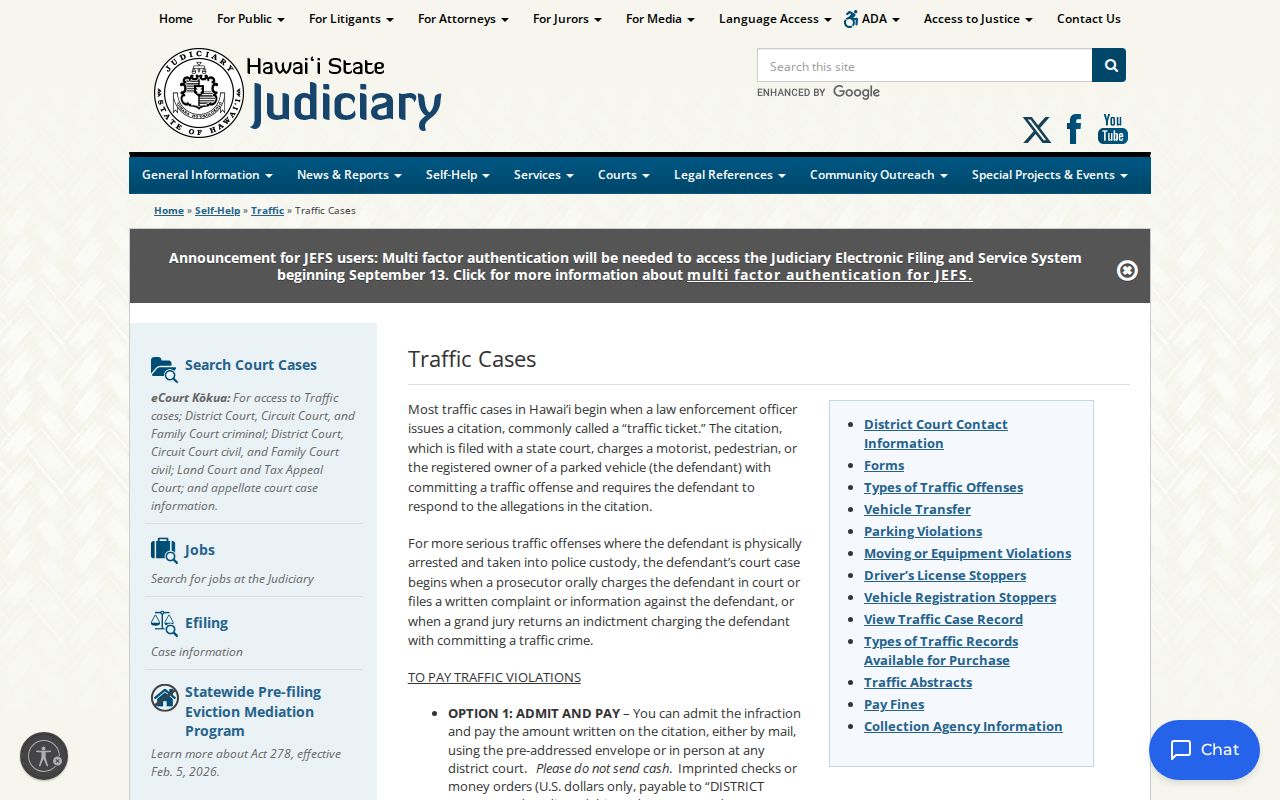
Online payment turns out to be just one channel, sitting beside mail, phone, and an in-person District Court response. The official moving-citation instructions cover the same ground for moving violations.
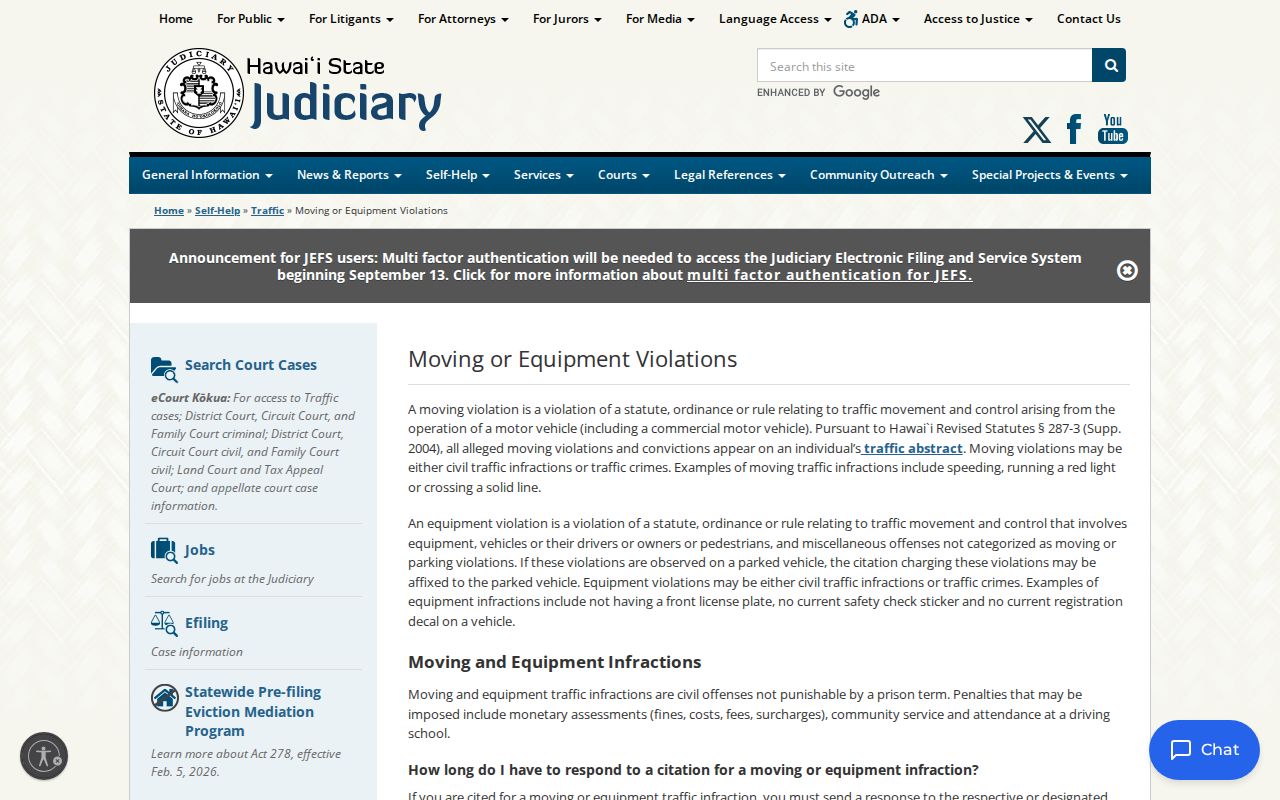
Those instructions walk through both the written-statement route and the hearing route. Paying is simply not the only way to answer a citation.