
Name-Based Case Searches
eCourt Kōkua is where a Kauaʻi County case lookup starts when no case number is at hand. Pick Party Search. A surname or a business name is enough to begin, and adding a first or middle name trims a crowded results list. If the form lets you choose, set the Fifth Circuit and the likely case type before you run it. One caution: the search reaches every island. Without those filters, a docket from another county can easily pass for a Kauaʻi County court record at first glance.
- Open the official Judiciary entry page, accept its disclaimer, and complete CAPTCHA if shown.
- Select Party Search and enter the last or business name with careful spelling.
- Add first name, middle name, Fifth Circuit, or case-type filters as needed.
- Open a linked case ID, then verify court, filing date, type, and status.
- Use the Case Dockets, Hearings, Parties, and Dispositions tabs together.
| Field label | Type | Required | Use |
|---|---|---|---|
| Last/Business Name | Text | Criterion | Surname or entity |
| First Name | Text | No | Narrows results |
| Court / Circuit | Dropdown | No | Fifth Circuit for Kauaʻi |
| Case Type | Dropdown | No | Limits court family |
Fifth Circuit Search Filters
eCourt Kōkua is not just for Kauaʻi County. Its case families span traffic, District, Circuit, and Family matters, both criminal and civil, along with Land Court, Tax Appeal Court, the Intermediate Court of Appeals, and the Supreme Court of Hawaiʻi. So filter to the Fifth Circuit, but let the case guide the filter. An appeal often carries a fresh appellate ID. A case first filed in District Court can resurface later in Circuit Court.
The official public search interface is that starting point. It shows where a Kauaʻi County docket search begins, before any single case record opens.
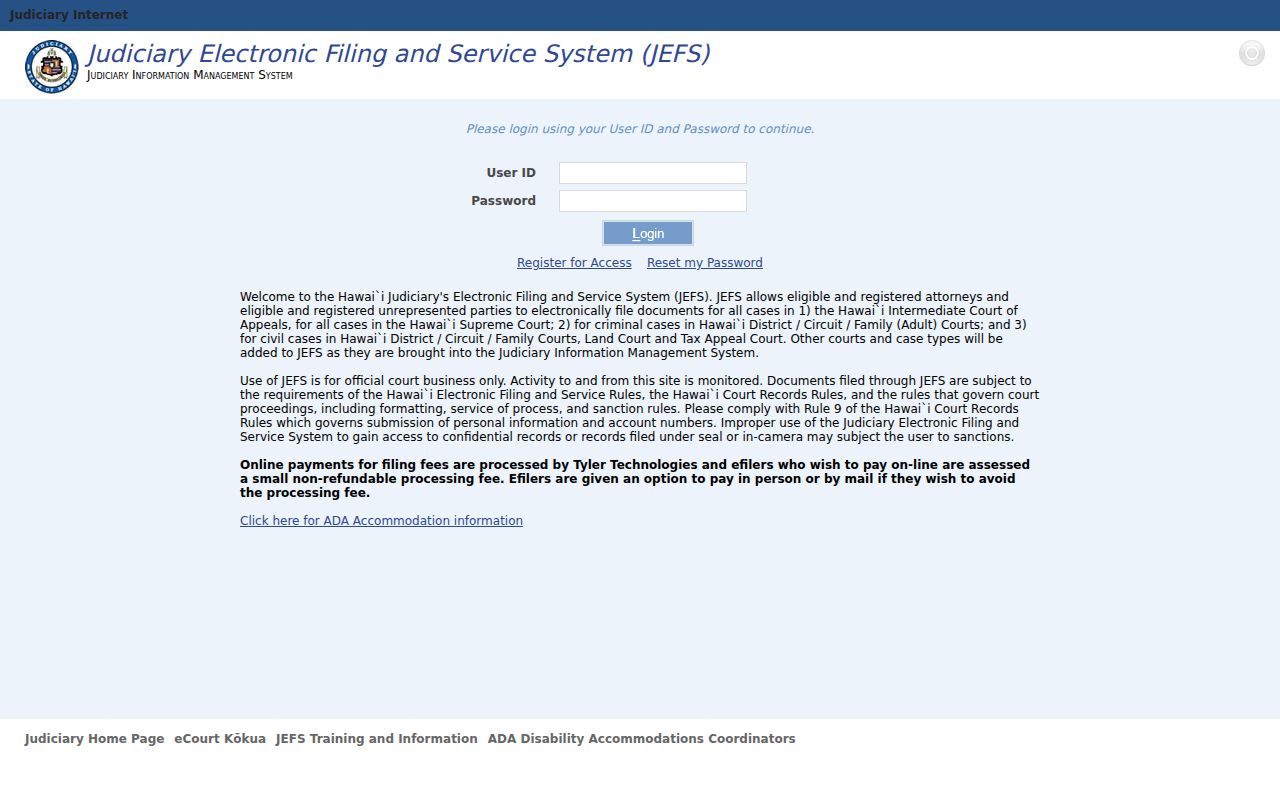
Treat the results list as routing only. Confirm the case header matches the party you mean, then open the detailed tabs for the actual docket.
Case Number Searches
A full Judiciary Case ID is the cleanest input for a Kauaʻi County docket. Choose Case Search and type the whole identifier. Traffic and parking matters allow a citation number instead. Older IDs sometimes need conversion under the Judiciary's old-case guidance, so a rejected format does not mean the record is missing. Run a name search, check the court level, or ask the right Fifth Circuit branch for the current ID.
Citation lookup stays separate from payment inside Case Search. eCourt Kōkua shows case information and Case Dockets. The separate eTraffic service handles eligible admissions and payments. Anyone chasing a hearing date, a ruling, or a filed court record should stay in eCourt Kōkua. Otherwise, call the clerk.
Old Kauaʻi IDs and Gaps
Older records sit outside the online system. Traffic material predating November 1995 never made it into the public layer, and District criminal records stop at August 2012. Appellate coverage cuts off before September 2010. Several civil groups got public images even later than that. So when a Kauaʻi County docket search comes back empty, the case may simply be too old to appear, not legally gone.
An old case number that fails deserves a second try through Party Search. If that misses too, copies still exist. The Fifth Circuit request directory lists where each record request goes. Circuit and Family filings route to LegalDocs.5CC@courts.hawaii.gov. District civil goes to LegalDocs.5DC@courts.hawaii.gov. District criminal and traffic copies go to CopyRequests.5DC@courts.hawaii.gov.
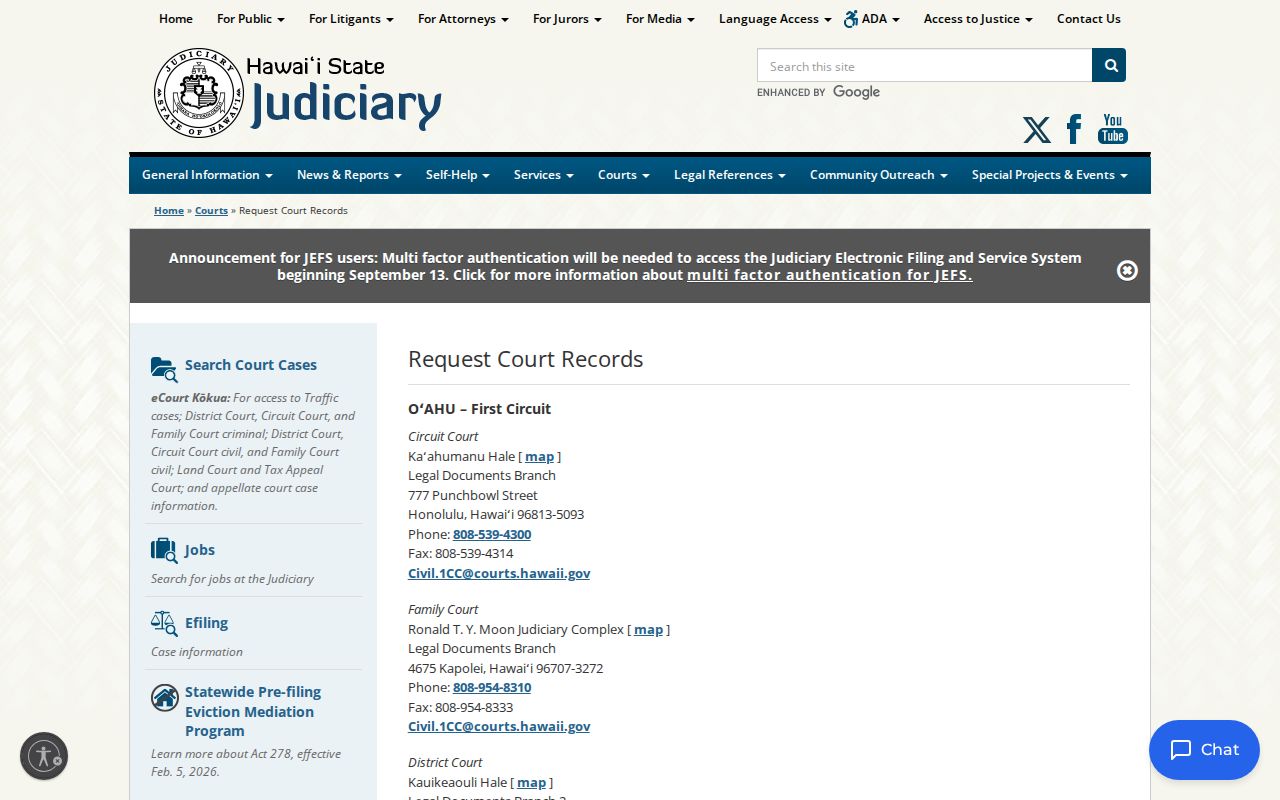
Call before visiting when an old file may require off-site retrieval.
Case Search Results Explained
A Kauaʻi County case search starts with the basics. You get names, numbers, and the case type first. The detail view then splits everything into tabs. Case Dockets is the dated index of filings, minutes, orders, and events. Hearings lists settings, while Charges or Claims lays out the dispute itself. Dispositions or judgments record outcomes. Financial and bond fields appear only when the case type supports them. A PDF icon marks an eligible image you can buy. It does not promise a download for every entry.
| Case ID | Unique Judiciary identifier and exact-search key. |
|---|---|
| Parties | People or entities and formal roles. |
| Case Dockets | Sequence, date, description, and PDF status. |
| Hearings | Settings checked against later changes. |
| Disposition | Recorded result of a claim, charge, or case. |
Pair each event line with the order that follows it. A motion entry in the docket shows only that a request was filed. How the judge ruled appears later, if at all.
Kauaʻi Docket Tabs Together
Work the tabs in order. Confirm identity and role by reading the parties. Then move through Case Dockets from oldest to newest. Check Hearings against later CHD or CON events before assuming anything is still set. Finish with the dispositions or judgments. That sequence prevents two common errors: treating an old setting as current, and treating a filing as a ruling.
- CHD
- Change of Court Date.
- CON
- Case Continued, leaving the old setting in history.
- DOC
- Generic document event, not an outcome.
- Disposition
- Recorded result of a charge, claim, or case.
For official wording, the Judiciary's JIMS and TRAVIS code glossary defines each abbreviation used on a Hawaiʻi docket entry. Trust those local terms over shorthand borrowed from other states.
Two Ways: County and State
Kauaʻi County runs no separate docket portal of its own. Instead, one state structure serves the island from two directions. eCourt Kōkua holds the online case data, while the Fifth Circuit clerks keep local custody of the filings. Neither Kauaʻi County government nor its police department maintains the filed docket.
| Channel | Coverage | Best use |
|---|---|---|
| eCourt Kōkua | State trial and appellate cases | Name, ID, citation, docket, hearing |
| Fifth Circuit clerk | Kauaʻi trial court files | Old files, absent PDFs, copies |
| Courthouse terminal | Public court material | Free on-screen inspection |
Puʻuhonua Kaulike houses all three trial branches under one roof, yet a records request still has to be routed by case type.
Kauaʻi Citation Search Limits
Typing a citation number into eCourt Kōkua can pull up the matching traffic court record. That number can also point you toward an abstract or a court report request, though those are different products from the docket itself. The Judiciary traffic records page spells out which purchased record types it offers.
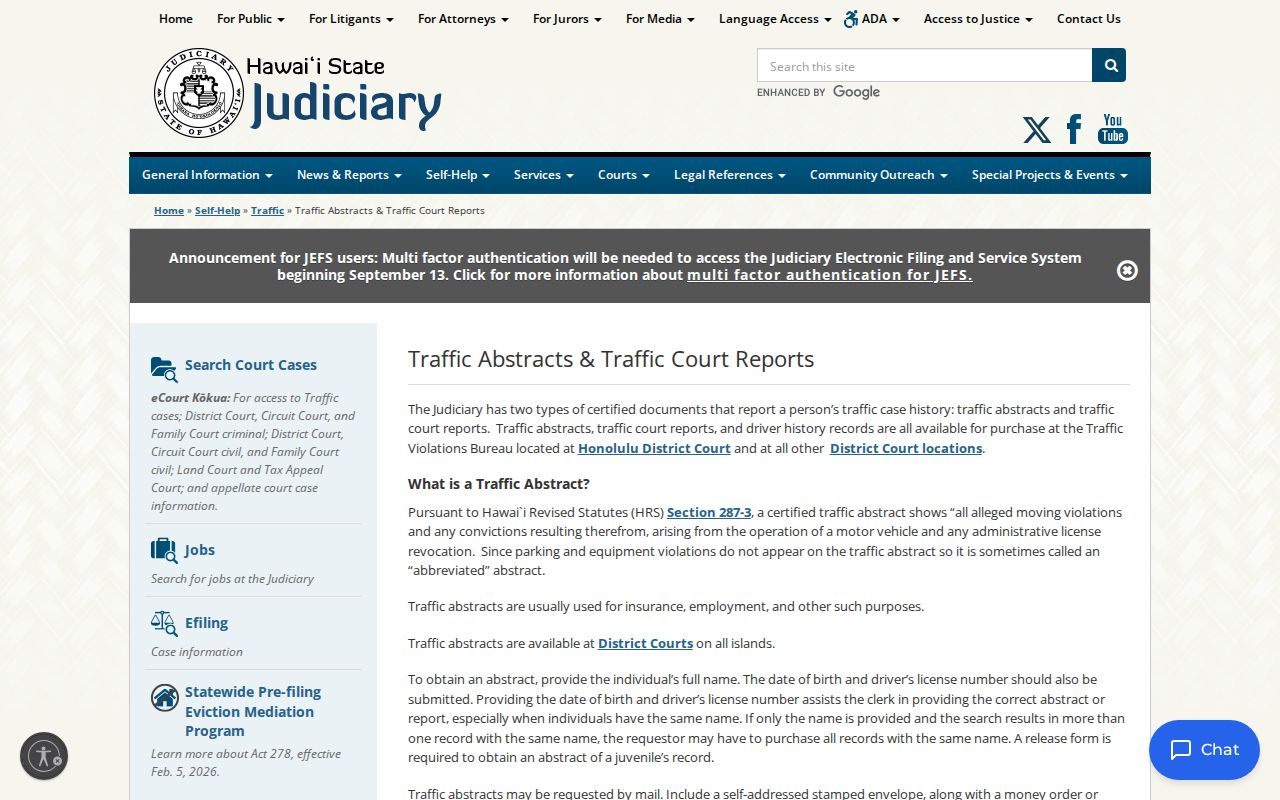
For the case sequence, return to Case Dockets. To find the next appearance, check Hearings along with the latest notice, and use eTraffic for payment when the case is eligible.
Quick check: A payment lookup, traffic abstract, and Kauaʻi County traffic docket answer different questions.
Which Cases Stay Restricted
Not every Kauaʻi County court record is open. Juvenile matters can be withheld. So can sealed cases, protected Family Court material, confidential filings, and shielded identifiers. A case header may look public while a document inside stays restricted. So a missing PDF can mean confidentiality. It can also mean image coverage or file format rather than something hidden from you.
The rules come from two places. Hawaiʻi Court Records Rules govern access and redaction across the state. HRS §571-84 closes off certain juvenile and Family Court records. Special access can require Form 3, notice to the parties, and a judge's call. No routine request gets past a seal.
If a docket search returns nothing, check the spelling, the ID, the case type, and the court again. Then ask the right clerk whether age or restricted status explains the gap.
The 2026 Kauaʻi Search
eCourt Kōkua got a refresh in May 2026. The Judiciary gave the Hawaiʻi docket portal cleaner layouts, clearer tabs, and better accessibility. What it does stayed the same. Party Search still helps when you lack an ID. Case Search is still the exact route for a case number or citation. The register of actions still lives in Case Dockets.
Skip Hoʻohiki entirely. It retired in April 2022 once Family civil data moved over, so it offers nothing for a Kauaʻi County docket search today. Use desktop Chrome, Firefox, Safari, or Chromium Edge. Hours run Monday through Saturday, 4 a.m. to midnight HST, and Sunday from noon to midnight HST. Expect a CAPTCHA and a disclaimer along the way; neither says anything about a case.
One habit worth keeping: after buying a public filing, save the purchase ID and the matching email. Retrieval lasts two days. Payment is nonrefundable.
Kauaʻi Case Search Fallbacks
When an online case lookup fails, work a short confirmation chain before giving up. Recheck spelling, punctuation, and the full identifier. If Case Search rejects an old ID, try Party Search. Confirm the court family and the Fifth Circuit filter. Then call the branch that keeps that case type. The main Fifth Circuit records line is (808) 482-2330. District criminal and traffic questions can also go to Courtroom 2 at (808) 482-2645. Traffic Operations takes those calls too, at (808) 482-2355. Staff can confirm which office holds the court docket. They can also explain whether a written request or file retrieval is needed.
You can also inspect public records at the Puʻuhonua Kaulike counter or on a Judiciary terminal. A written HCRR request can name the case, the record, the date, and how you want delivery. These routes never defeat confidentiality. They simply help you locate public material that age, identifier changes, or image limits keep out of an ordinary Kauaʻi County docket search.